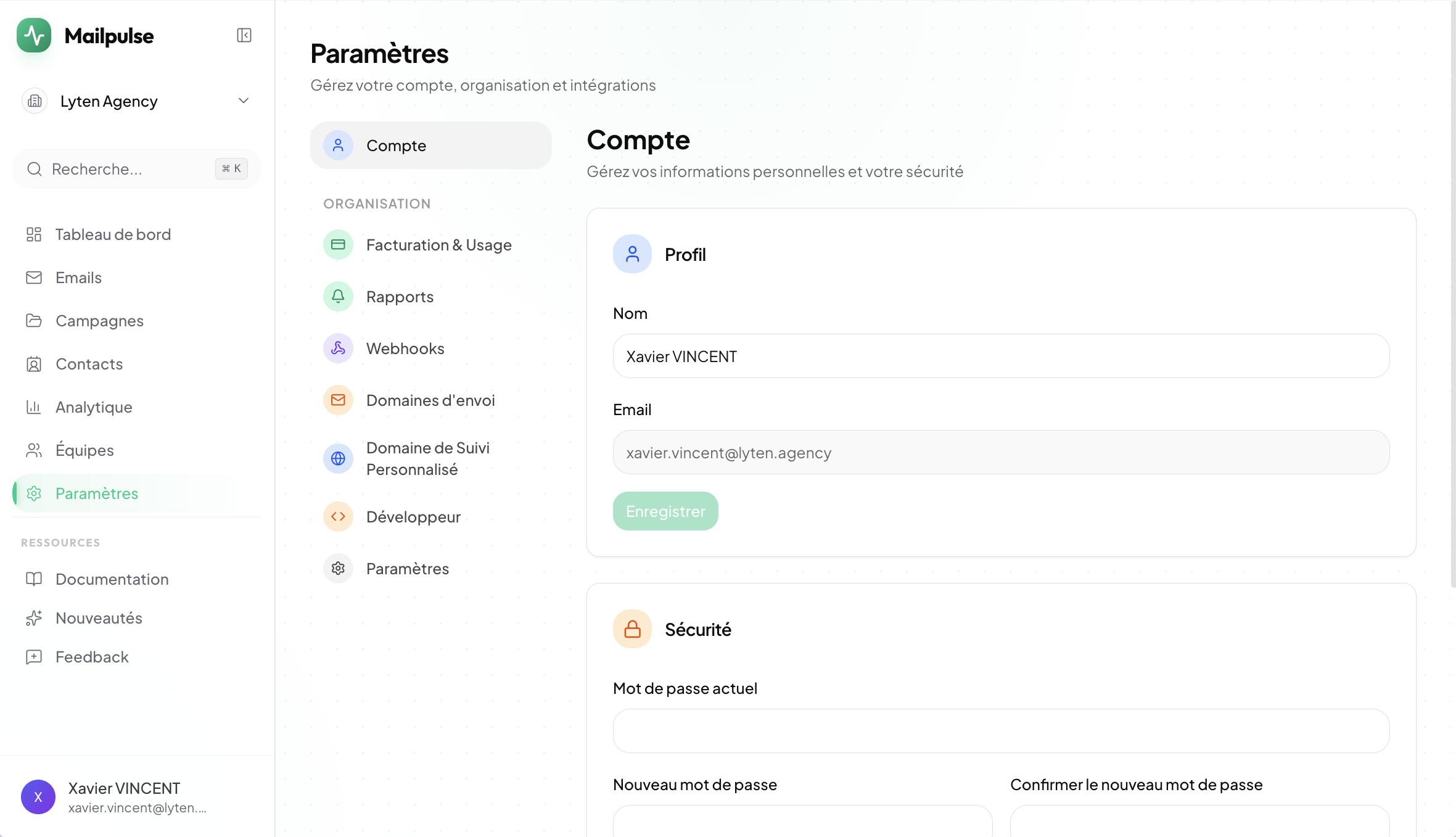
Settings now feature a sidebar navigation with organized sections for Account, Billing, Reports, Webhooks, Domains, Developer, and Organization — plus a new Account page to manage your profile, password, and account deletion.
New
Bounce & Delivery Tracking
Automatically track email deliveries, bounces, and complaints via Resend webhooks. Delivery stats appear on your dashboard when you send emails through Mailpulse.
New
Live Activity Feed
See opens, clicks, bounces, and complaints as they happen — right from your dashboard with a real-time activity feed.
Improved
Faster Tracking Responses
Open pixels and click redirects now respond instantly. Tracking data is recorded in the background for a snappier experience.
New
Email Sending with Custom Domains
Send emails directly through Mailpulse using your own domain. Configure sending domains in settings, then send via the API, SDK, or the new n8n Email Sender node — with automatic open and click tracking.
New
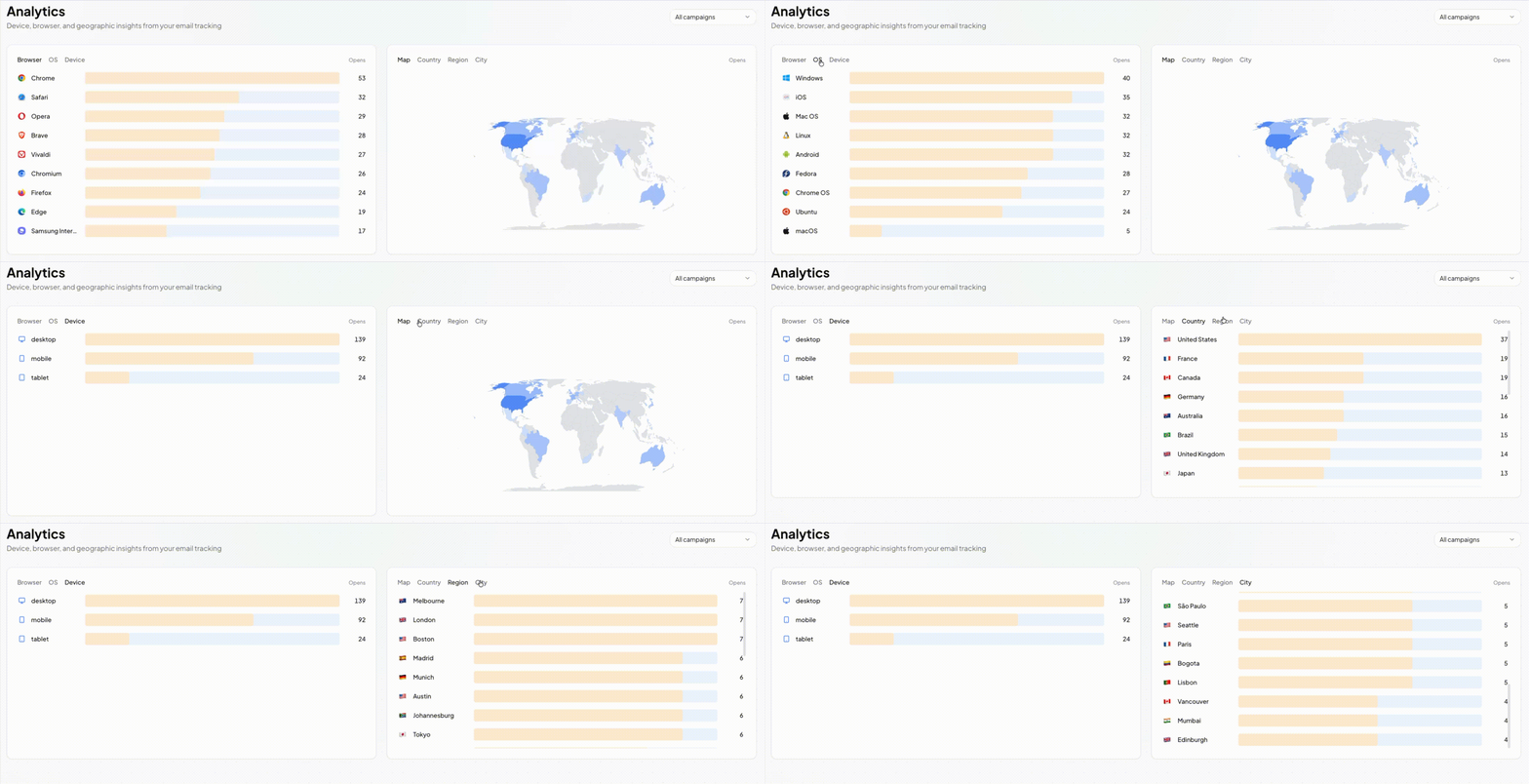
Analytics Dashboard
Visualize opens and clicks by device, browser, OS, and country — all in one place.
New
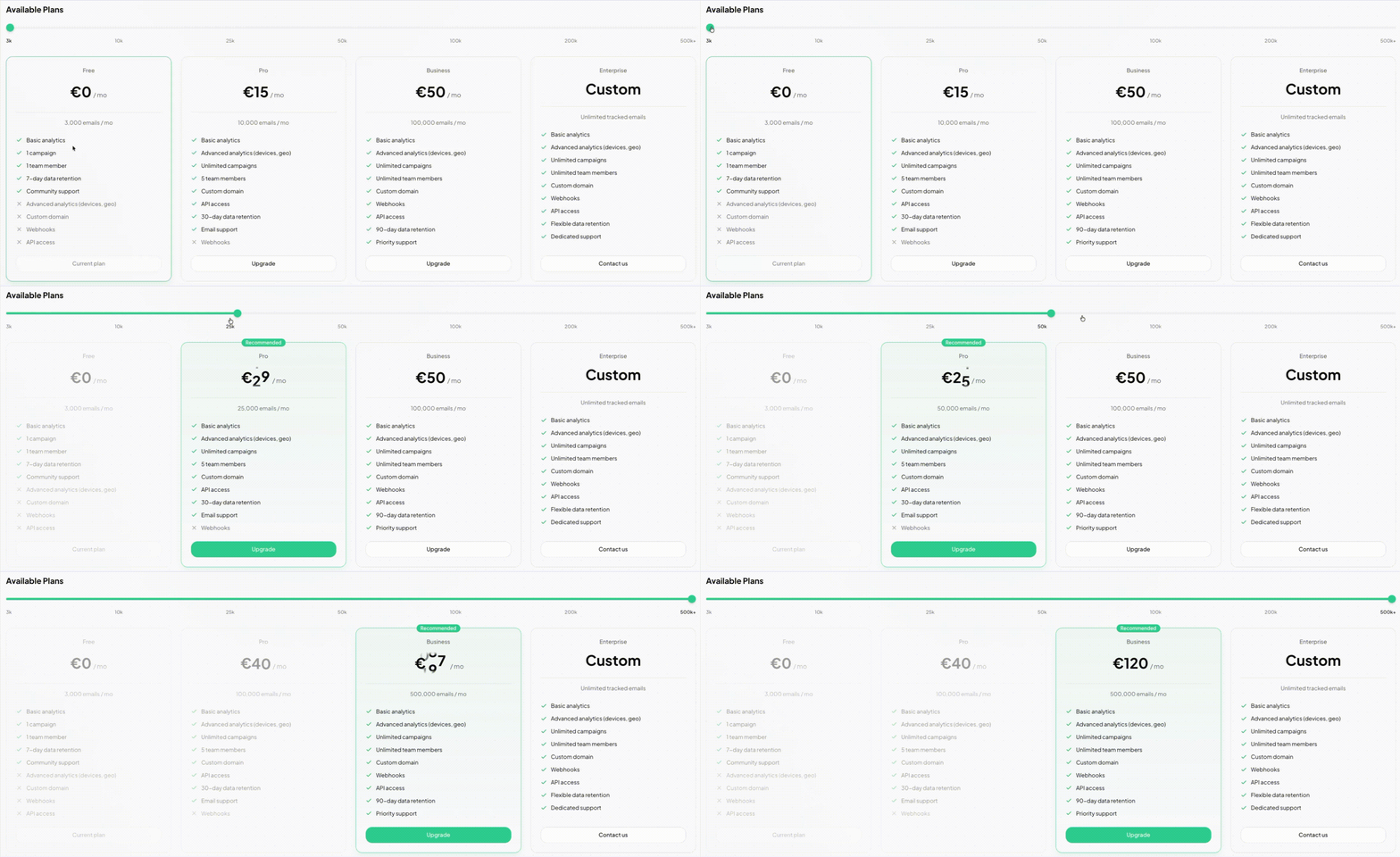
Billing & Subscriptions
Manage your plan, track usage, and upgrade seamlessly with LemonSqueezy integration.
New
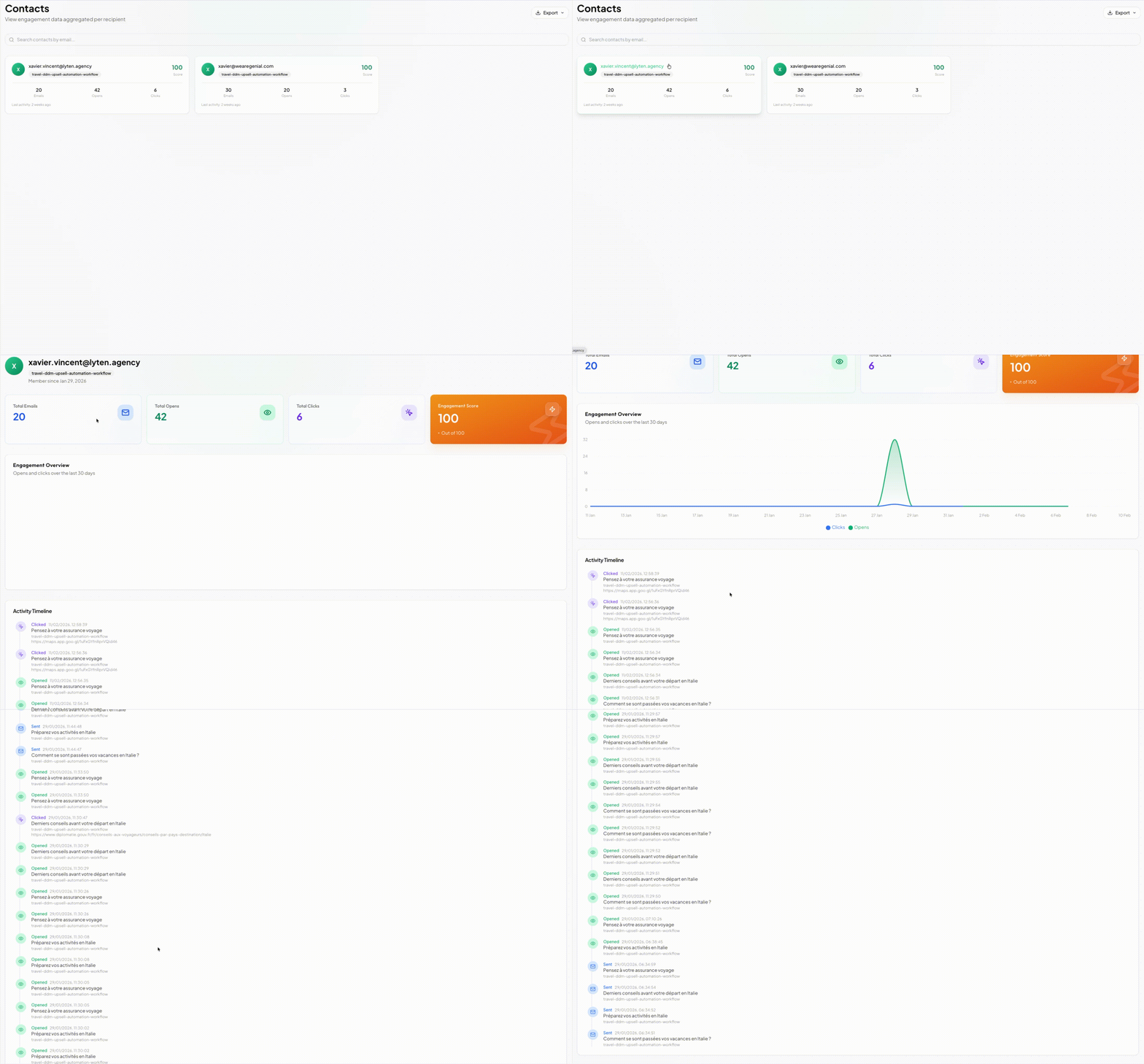
Contacts Management
Browse contact profiles with engagement scores, activity timelines, and per-contact metrics.
New
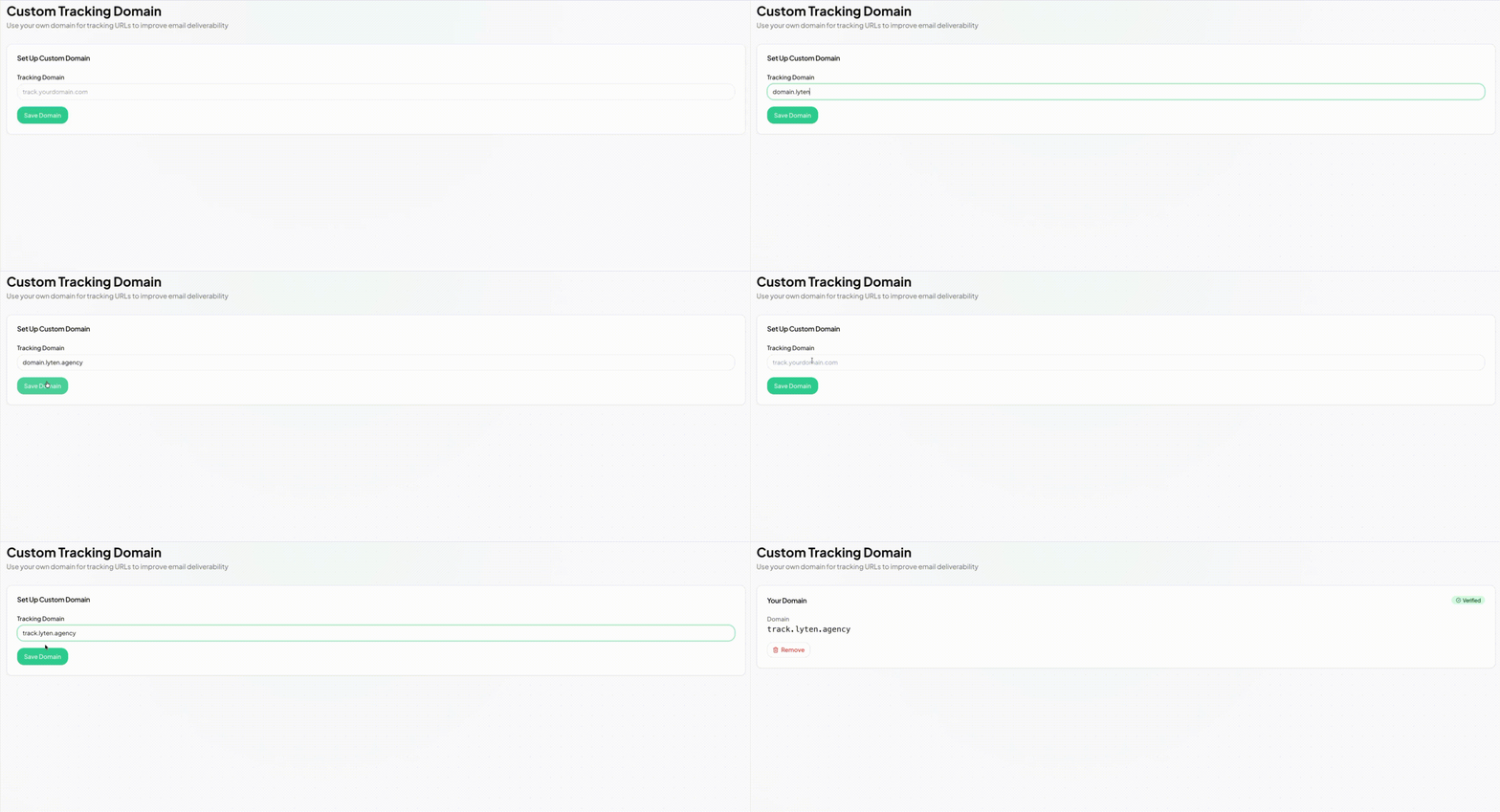
Custom Tracking Domains
Use your own domain for tracking pixels and links. Full DNS verification included.
New
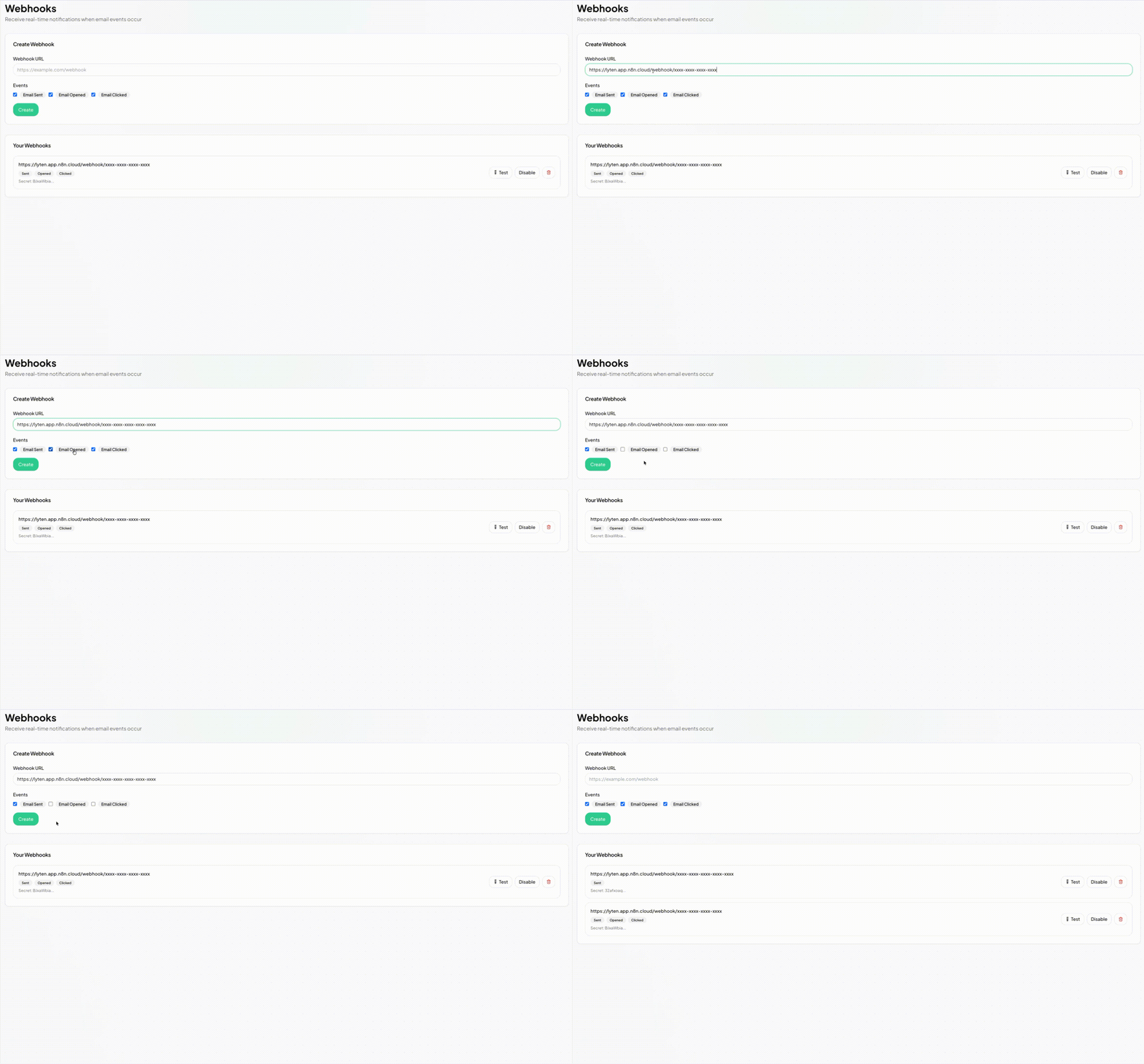
Webhooks
Receive real-time notifications on email opens, clicks, and sends via configurable webhooks.
Improved
Guided Onboarding
New step-by-step onboarding: create your org, set up a campaign, and test your integration — all in minutes.
Improved
Faster Charts & Pagination
Dashboard and campaign charts now load significantly faster with optimized SQL queries.